Do I need to know how to code?
The goal is to make visual changes easier without manually editing every CSS, HTML or JavaScript file.
DVLabs Studio for FiveM lets server owners create a custom loading screen in an editor, preview the design and export a ready-to-use resource for their FiveM server.
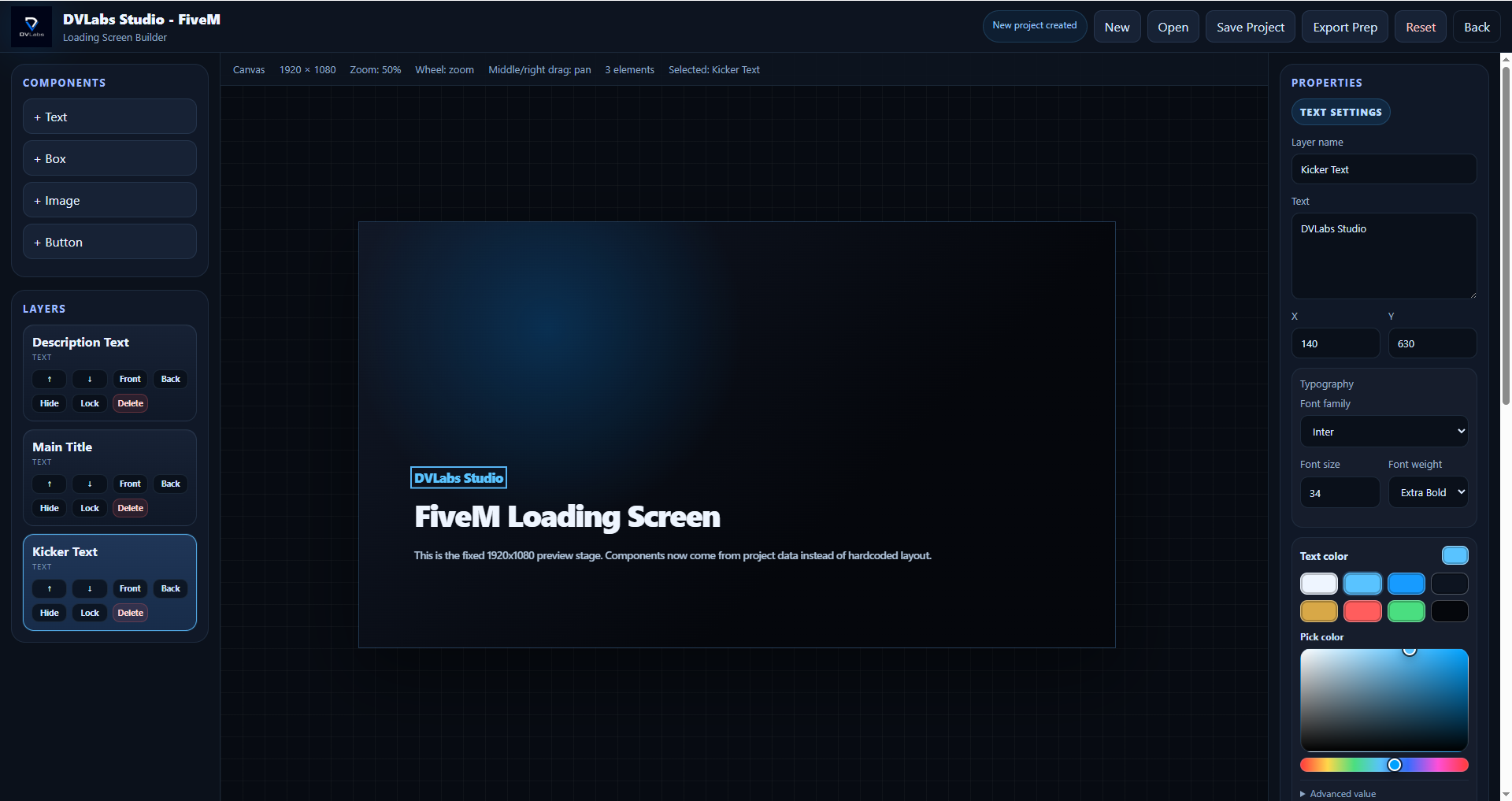
A FiveM loading screen is usually built with HTML, CSS, JavaScript, images and audio. DVLabs Studio for FiveM is being built so more of that work can happen visually before exporting the final resource.
A quick overview for server owners and creators who want to understand the product.
The goal is to make visual changes easier without manually editing every CSS, HTML or JavaScript file.
The first tool focuses on creating custom loading screens. Later, DVLabs Studio for FiveM can grow toward HUD, inventory, menu and theme tools.
Yes. The goal is to build a custom loading screen inside the editor, preview it visually and export it as a ready-to-use FiveM resource.
It aims to reduce the repeated cycle of manual code edits, resource restarts, and checking every small visual change in-game.
DVLabs Studio for FiveM is an independent tool for FiveM server creators. It is not affiliated with, sponsored by, or endorsed by Cfx.re, FiveM, Rockstar Games, or Take-Two Interactive.